Skip to content
Start free
For general contractors and the subs who work for them

The record of the job, from the first clock-in to the final pay app.

Daily reports, crew time, photos, safety and billing, captured once in the field — on a phone or the web — and kept as the record you bill from and stand behind. The hours, reports and totals fill in automatically.

  • Crews clock in from a phone Even with no signal. Hours land on cost codes automatically.
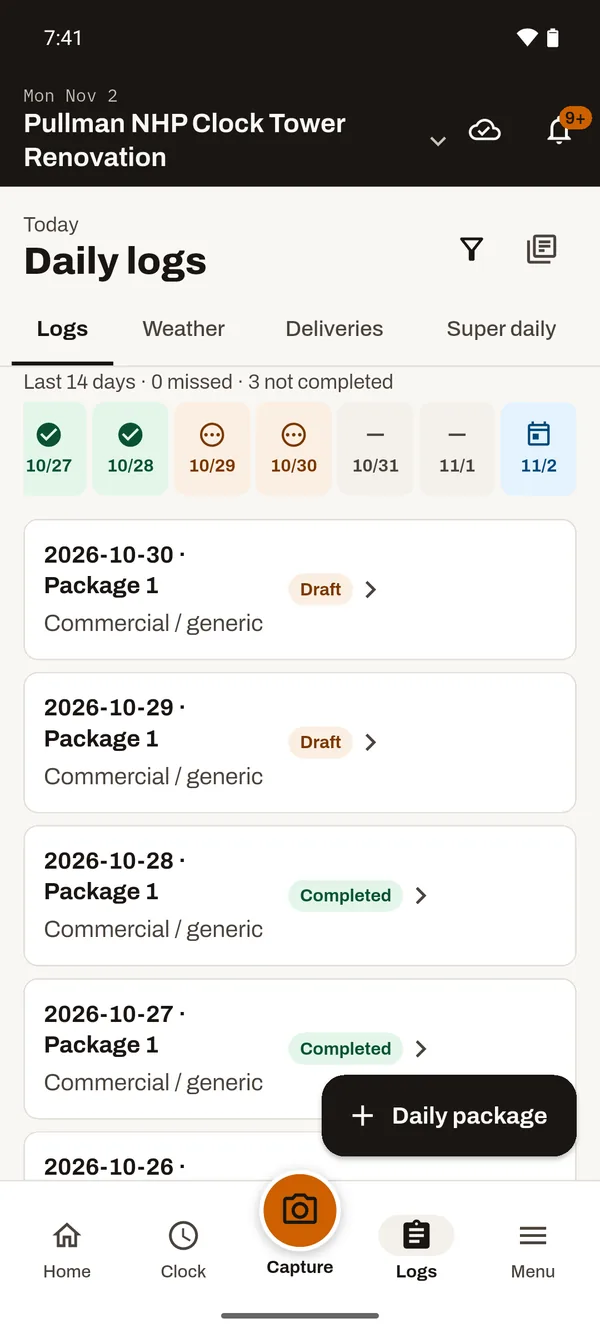
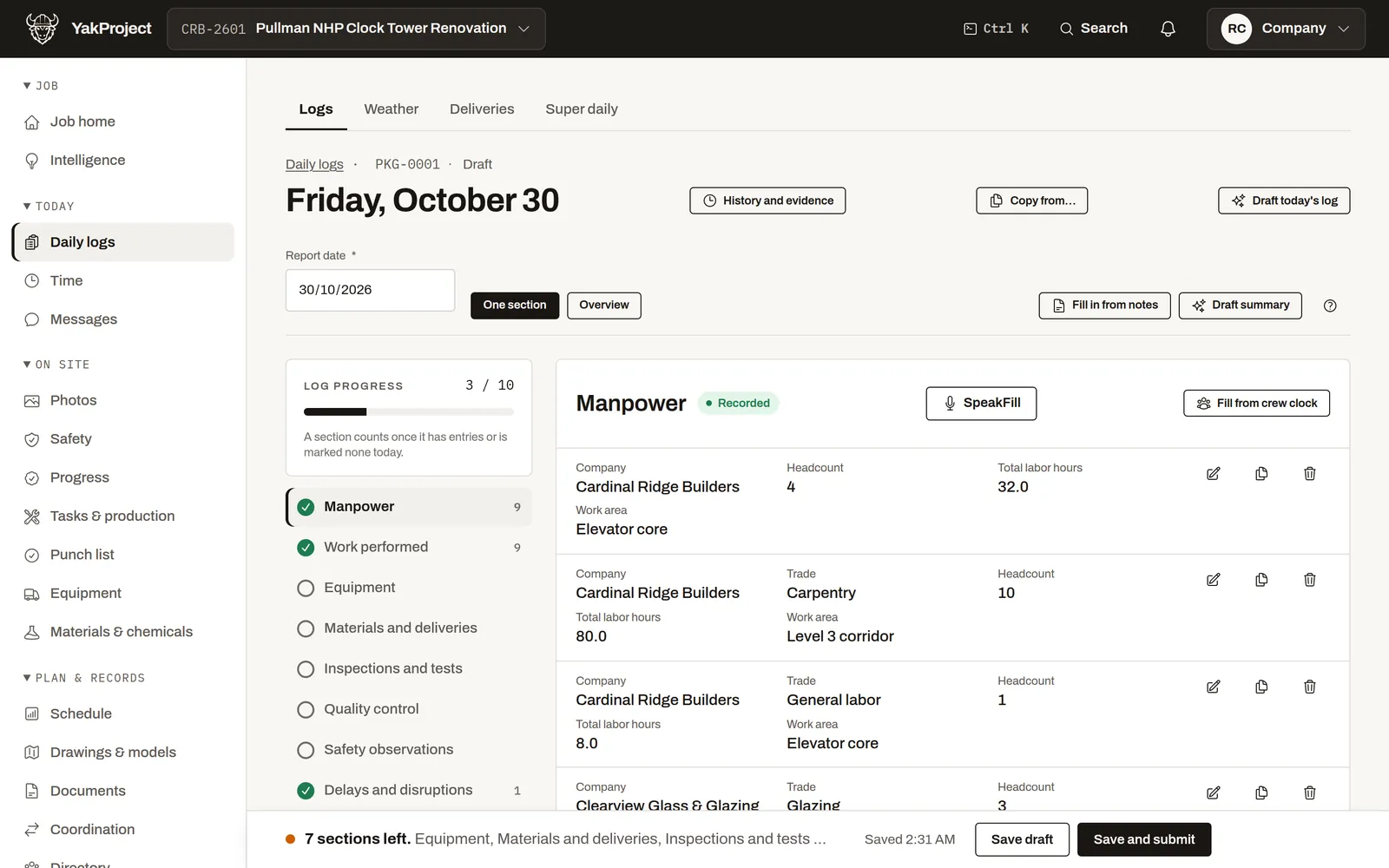
  • The daily report writes itself Manpower, quantities and the day’s records are already in it.
  • Bill from the record Pay apps, lien waivers and job cost, with the math done for you.

No card One job free Subs and viewers are free How-to videos Docs Pricing

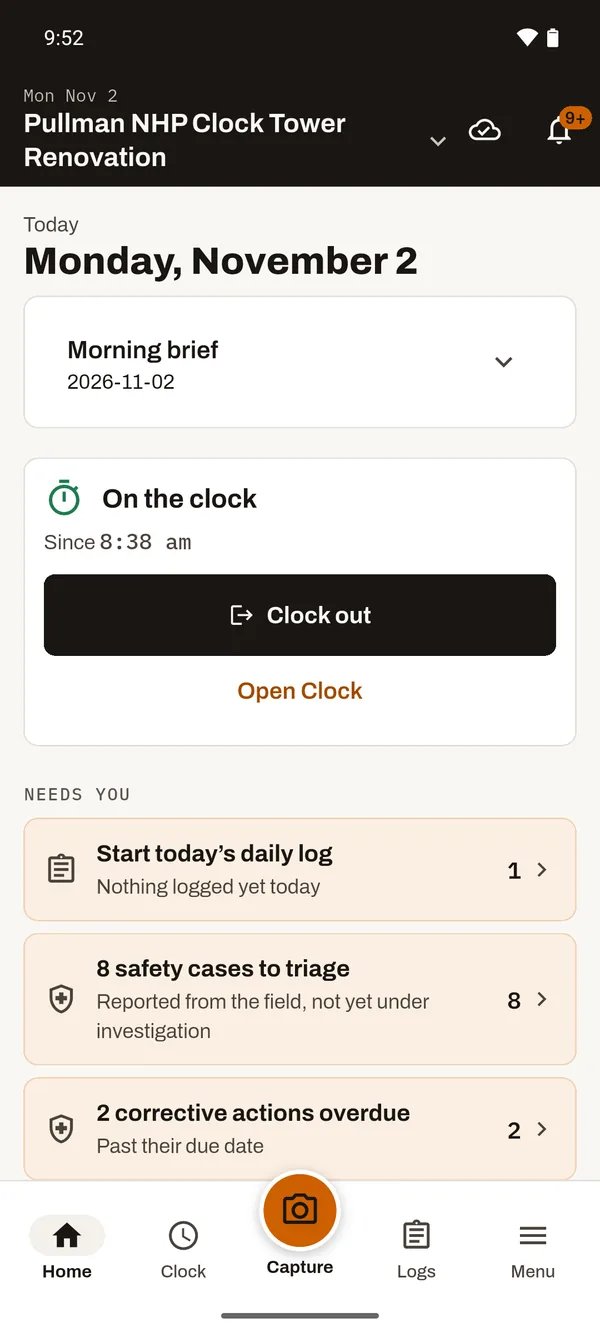
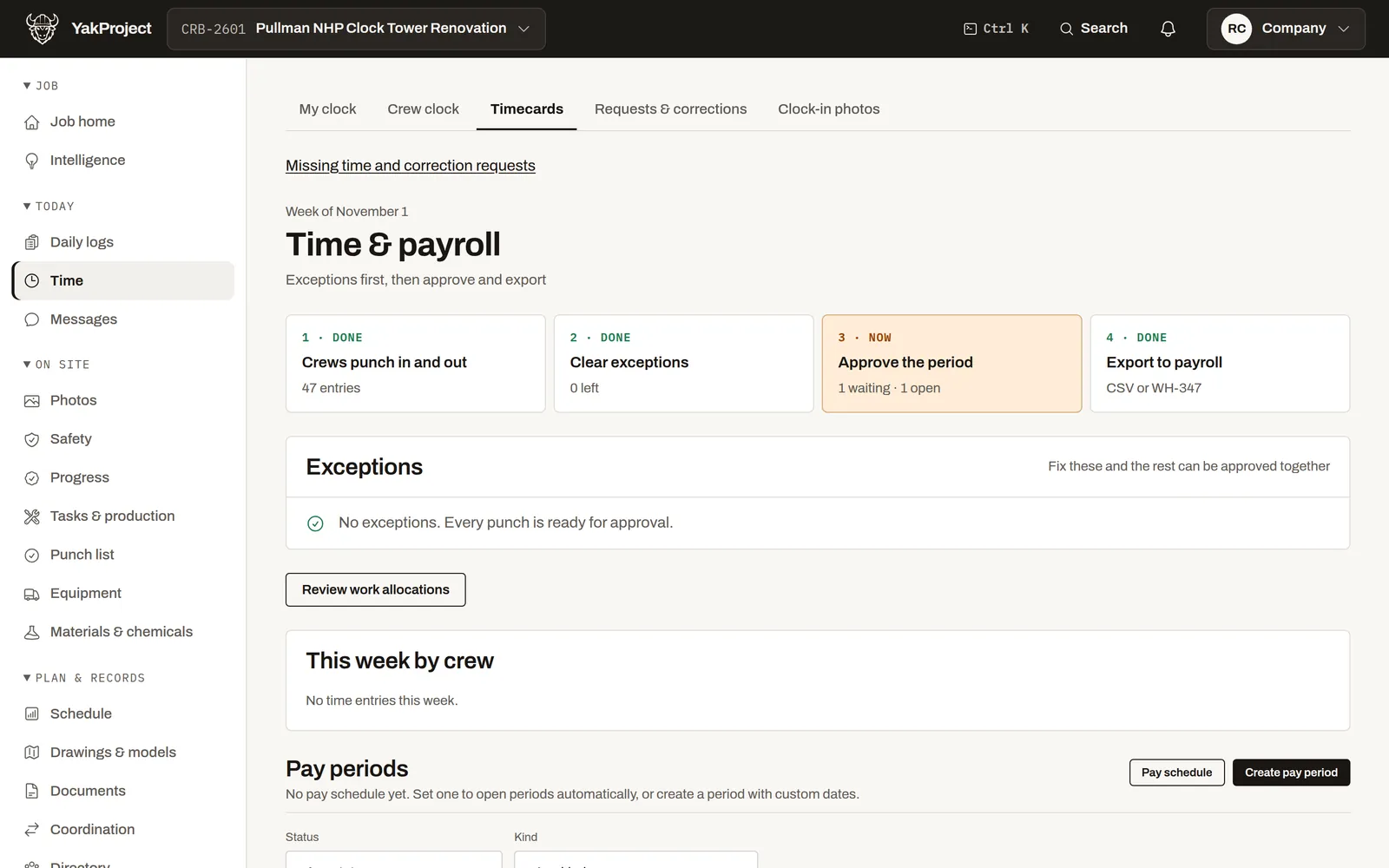
Time and payroll: crews punch in, exceptions cleared, the period approved and exported The field app on the crew’s phone: on the clock since 8:38 am, with Clock out

The foreman clocks the crew in from a phone. Hours land on cost codes automatically.

0:00 / 0:42
Each step, with where to learn more
  1. 0:00 The foreman clocks the crew in from a phone. Hours land on cost codes automatically. How to: Clock in a crew
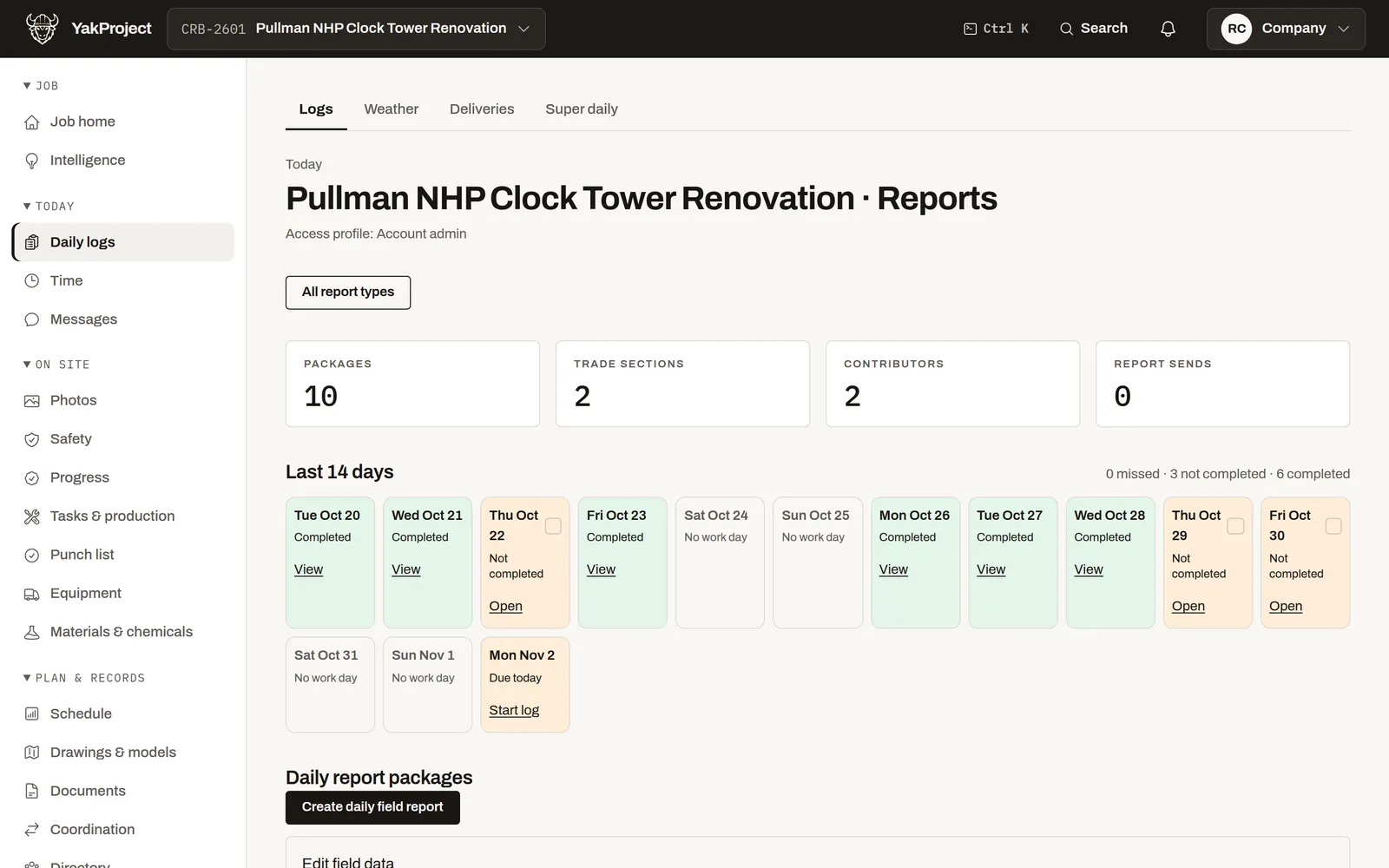
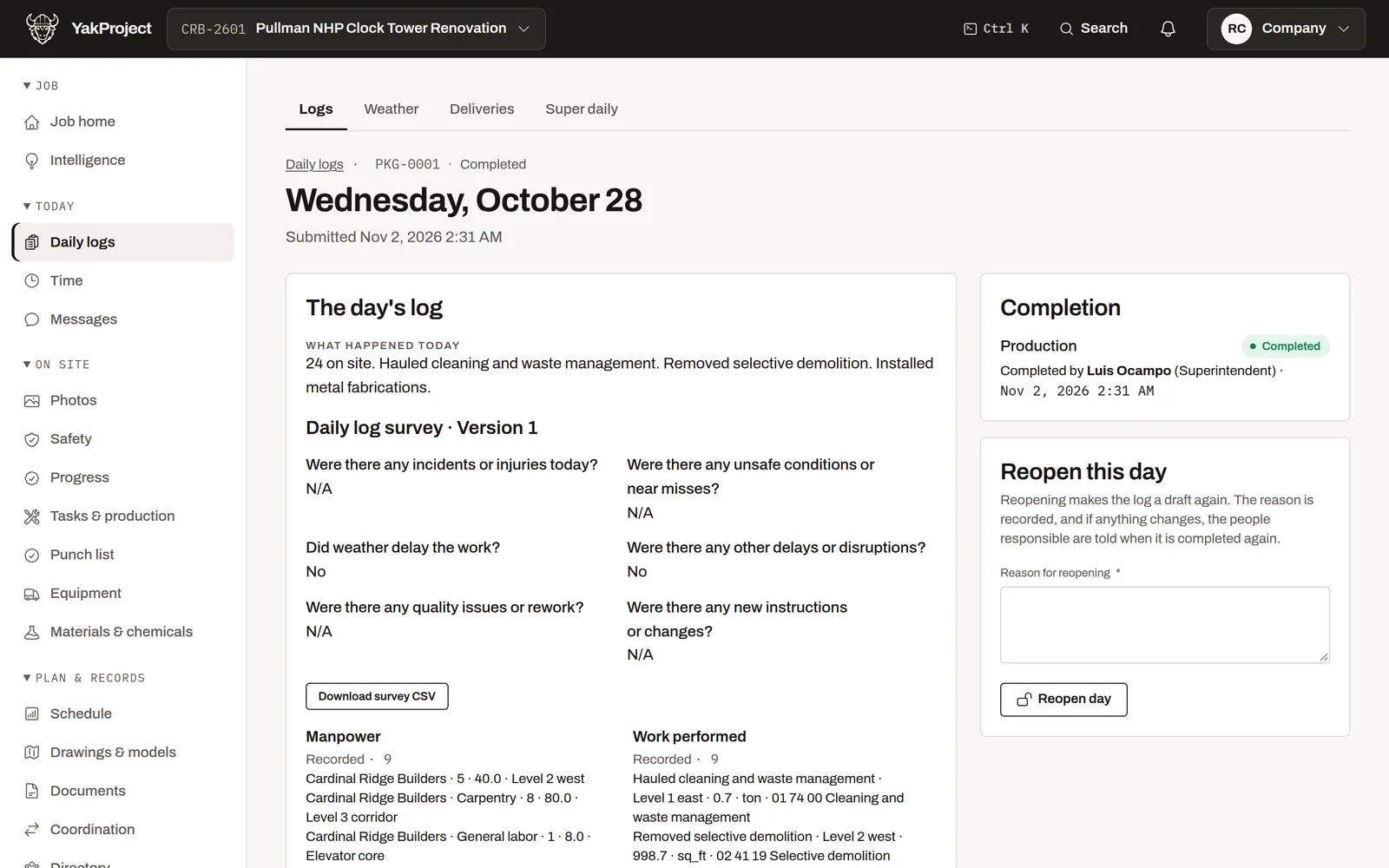
  2. 0:08 The daily log fills in manpower from the crew clock. Add what happened and submit. How to: Record a daily log
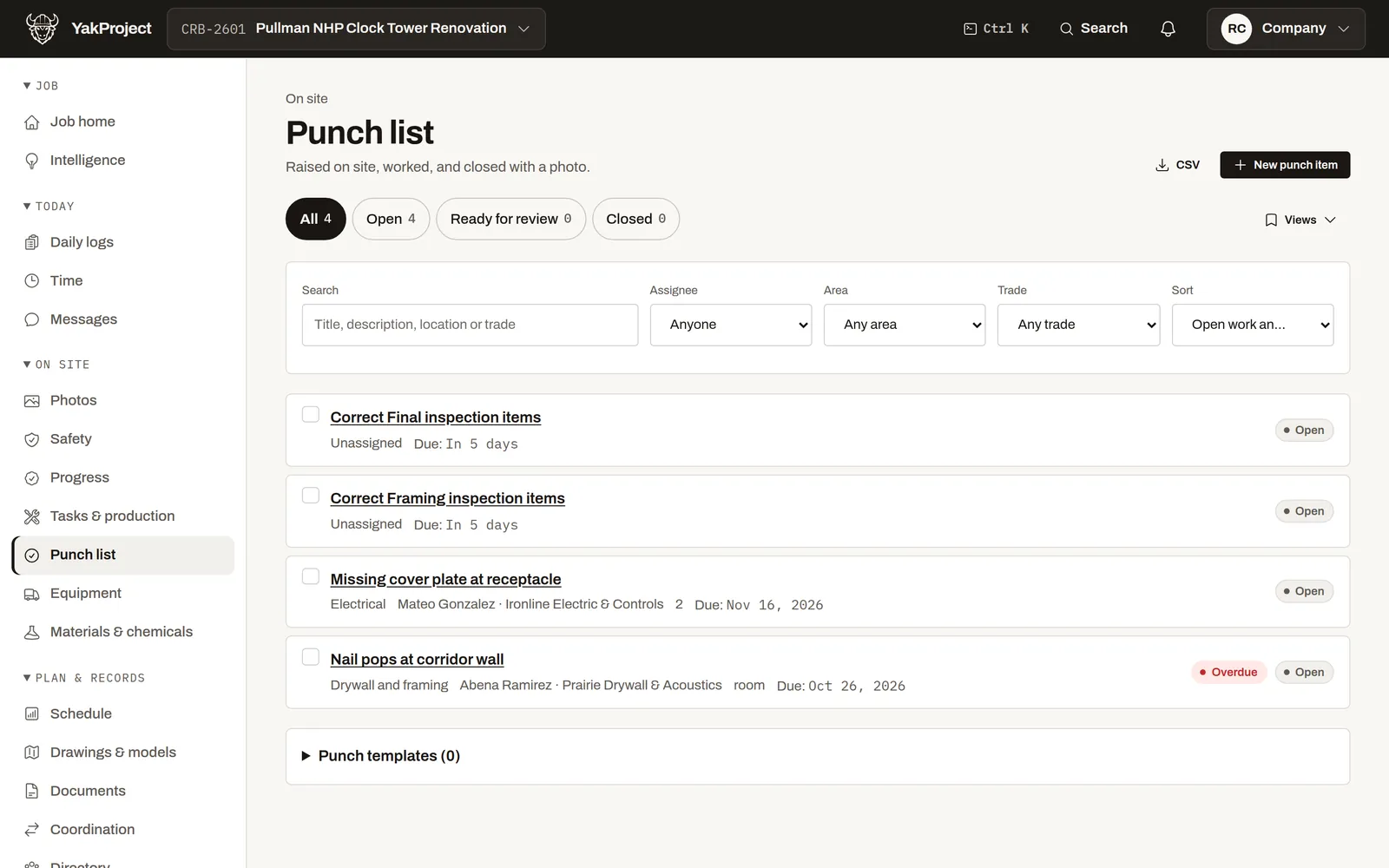
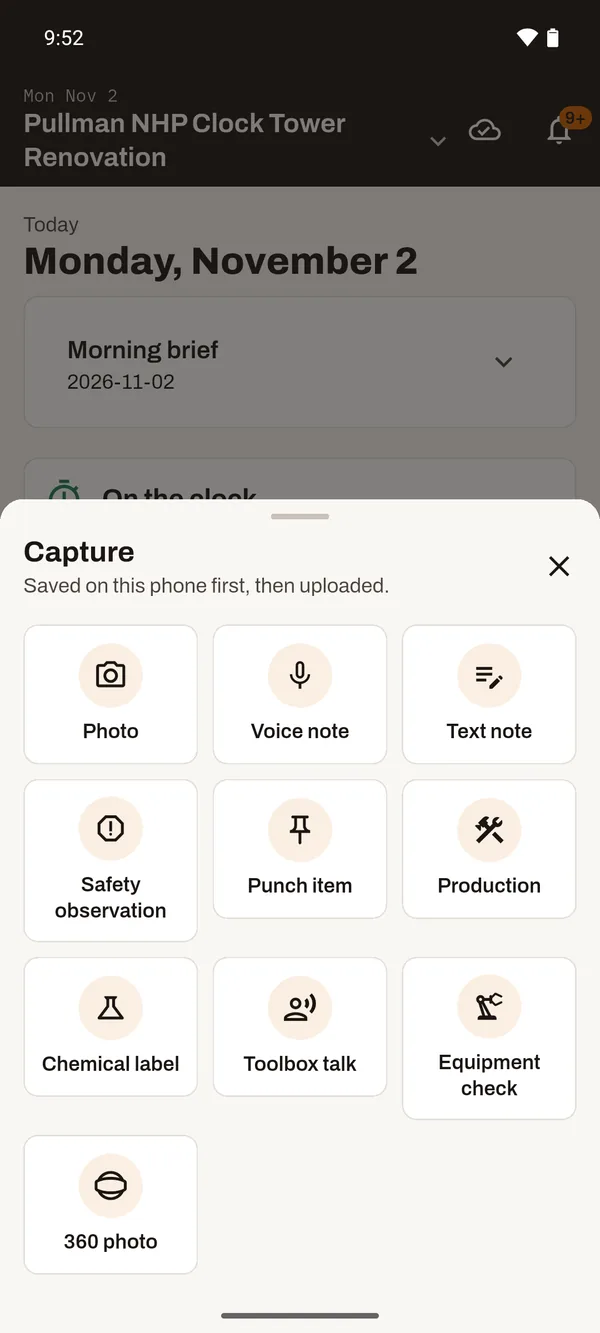
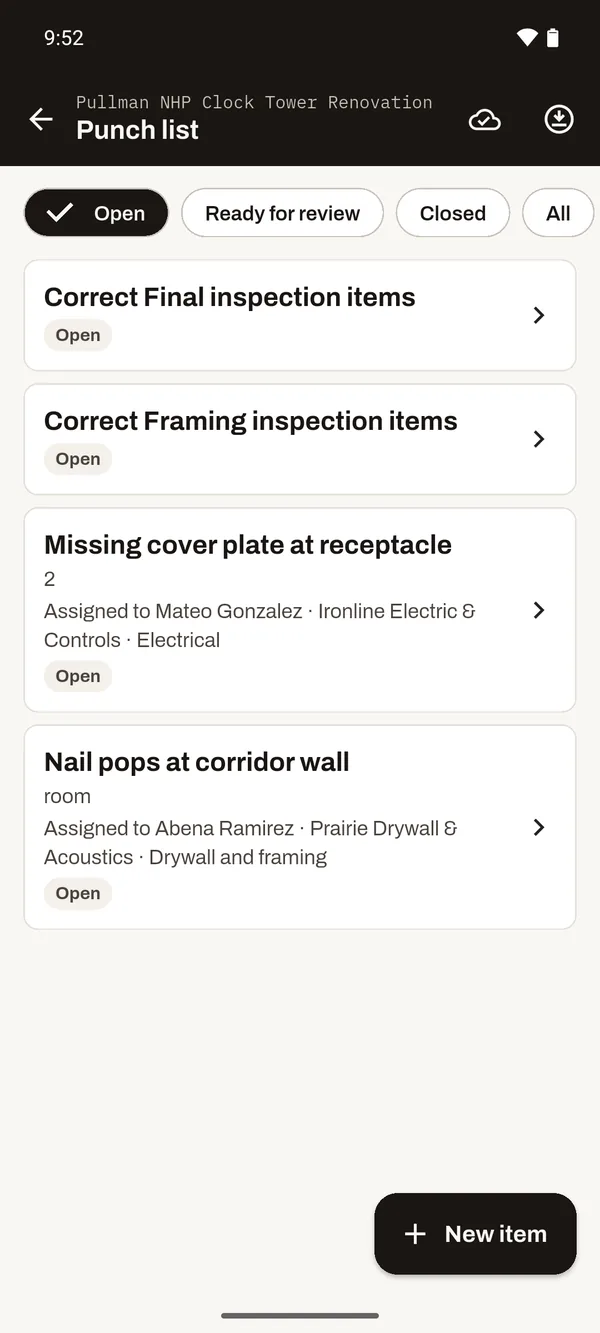
  3. 0:17 Raise a punch item or a safety observation on the spot, with a photo. How to: Raise a punch item
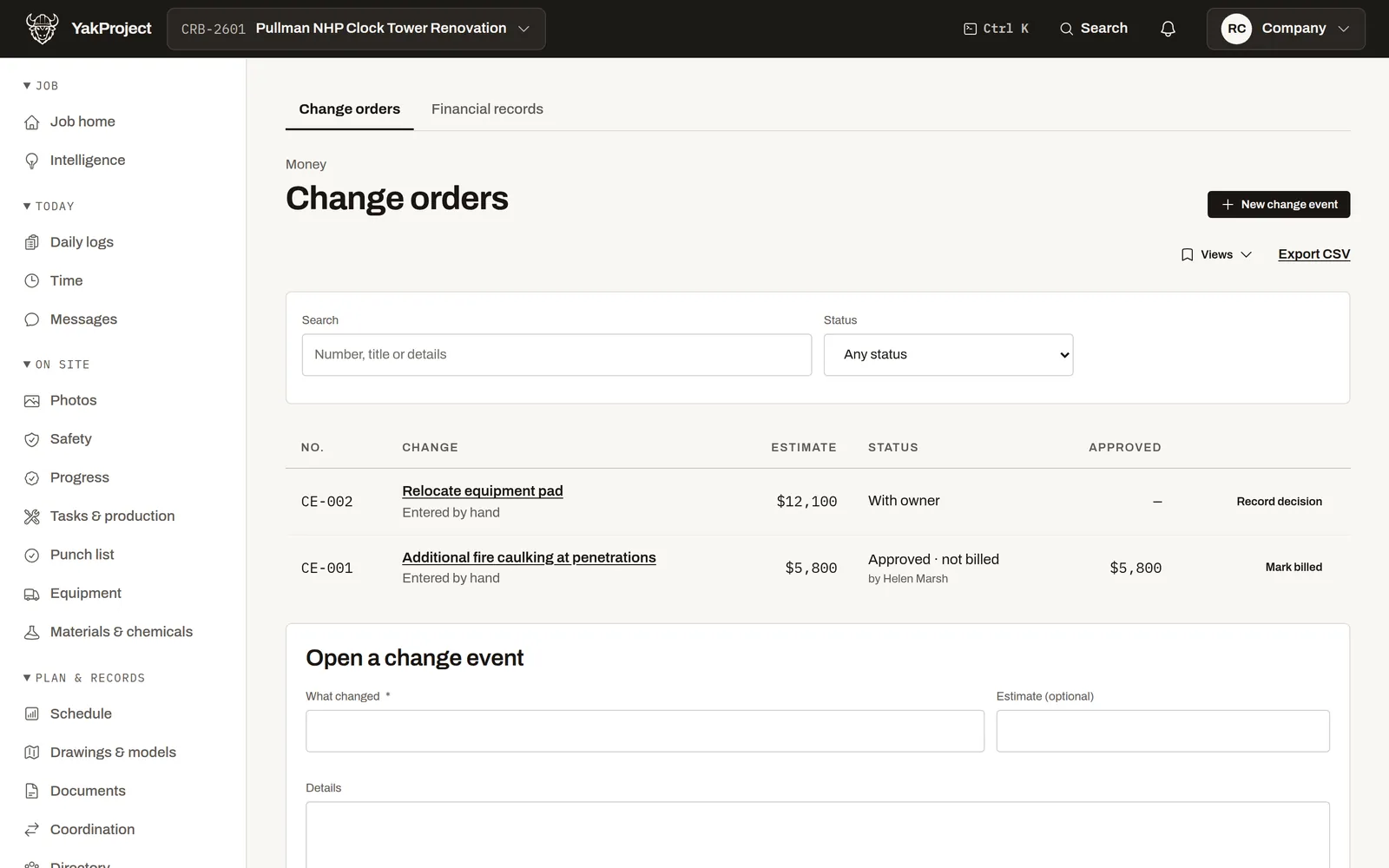
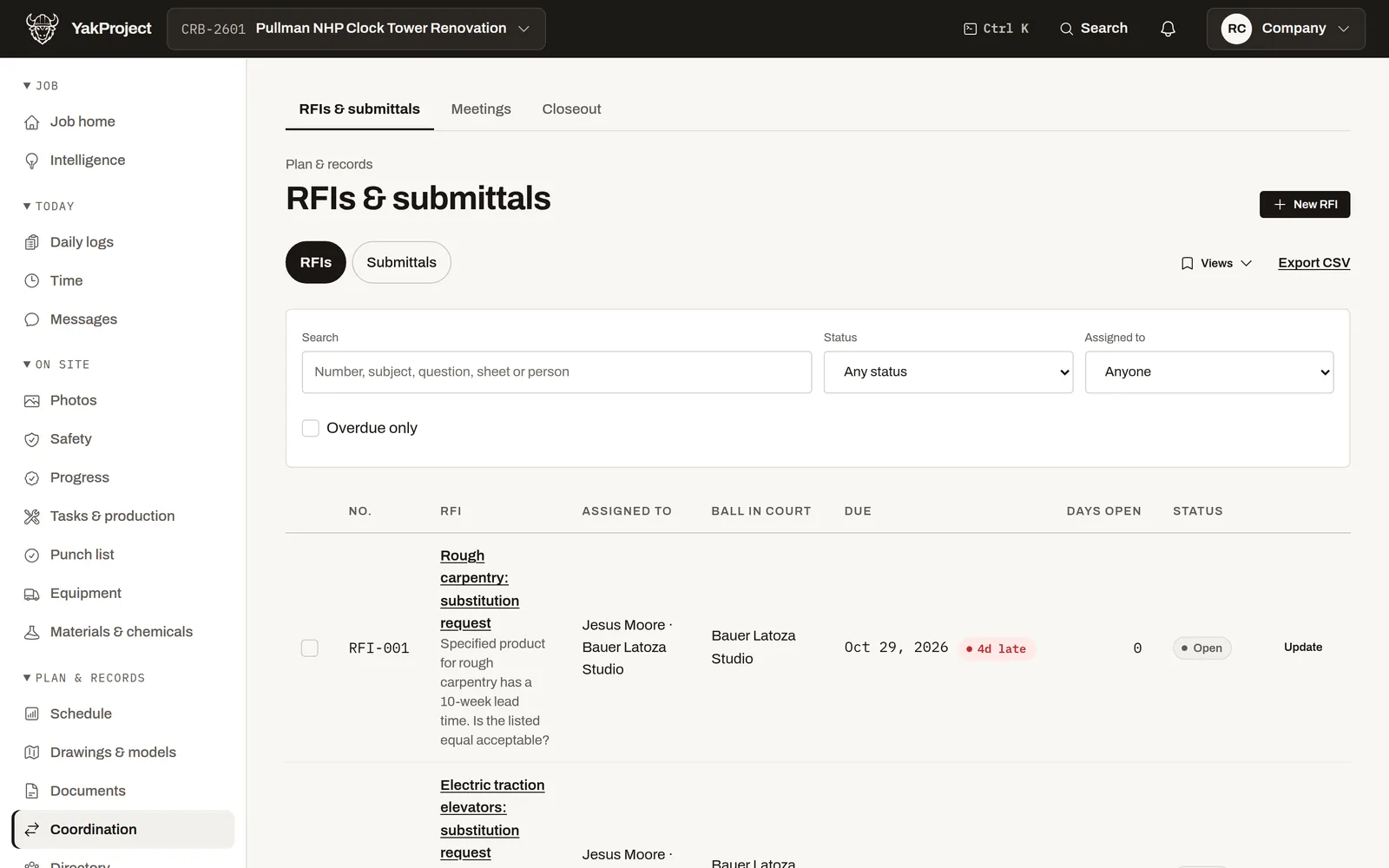
  4. 0:26 Questions and extra work are tracked to an answer, a price and an approval. How to: Open a change event
  5. 0:34 The pay app is built from the same record, and the totals add up automatically. How to: Approve a pay period
One job freefor as long as you like
Subs & viewers freethey never take a seat
Works with no signalcaptures wait on the phone
English & Spanishfor the whole crew
PDF & CSV exportany time, on every plan

One place for the four things a job runs on

Each starts in the field and ends up somewhere it matters: the pay app, the inspector’s clipboard, the owner’s inbox. These are the real screens, on the web and on a phone.

Get paid

Bill from the record, not from memory

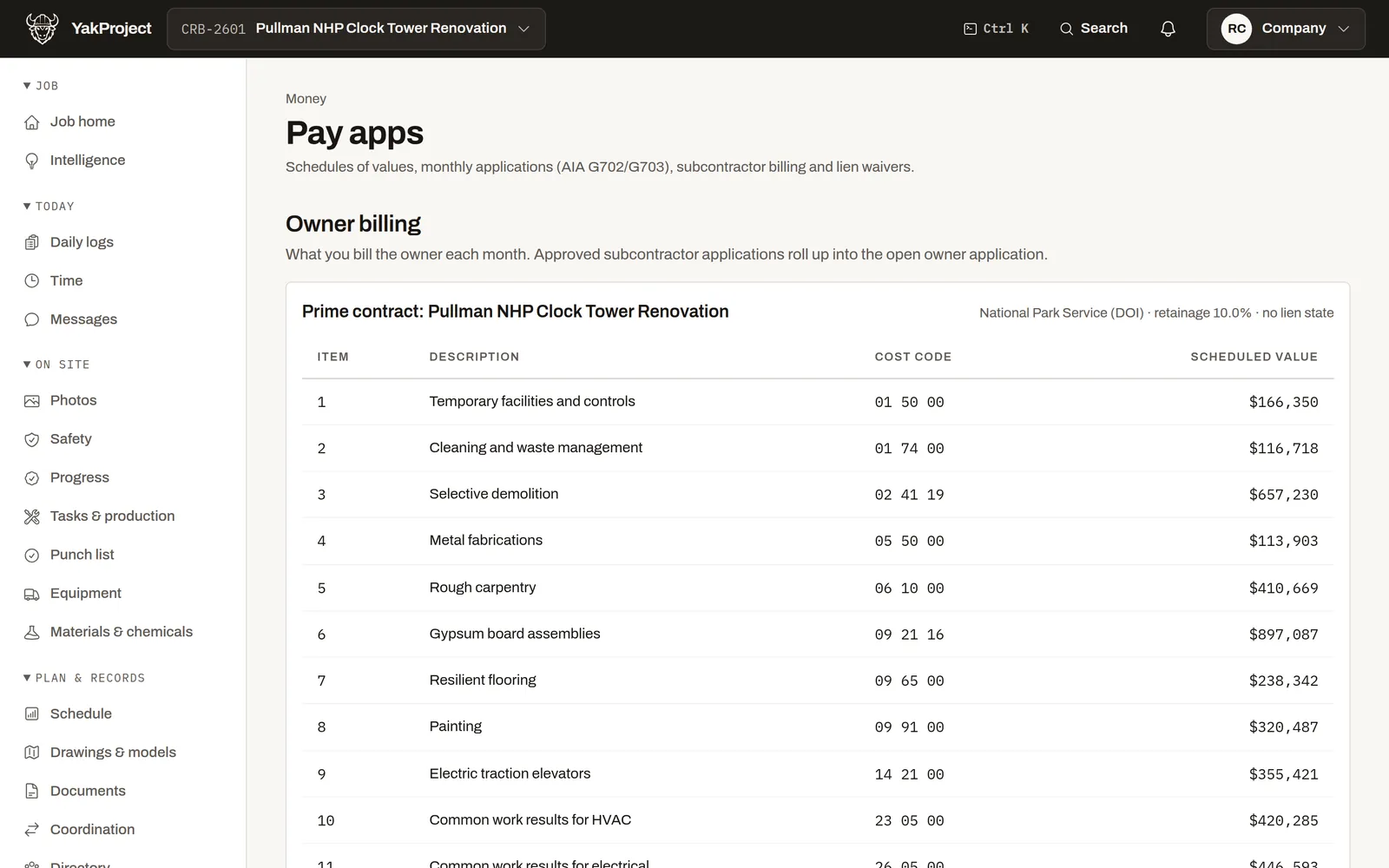
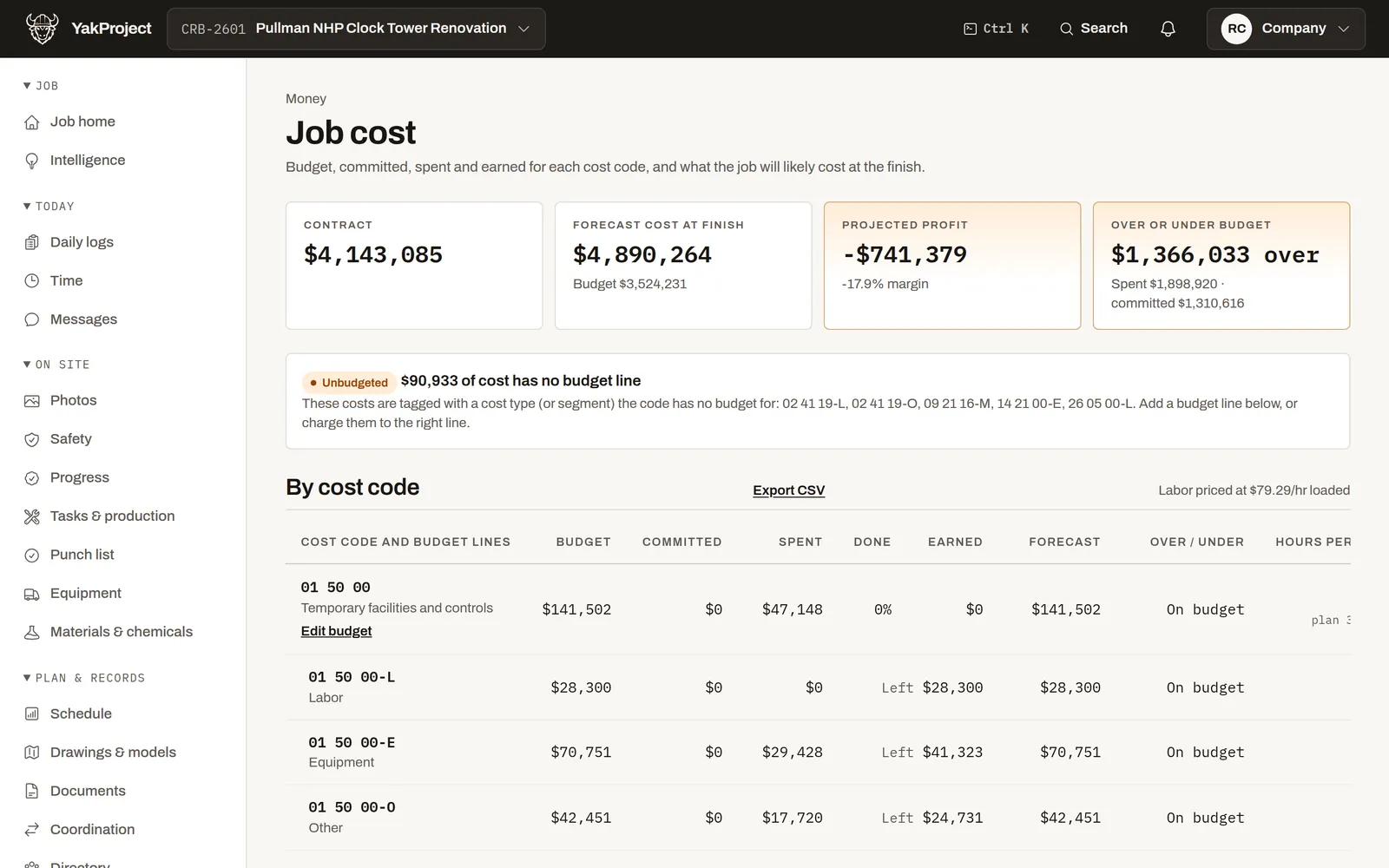
Pay apps on the AIA G702/G703, lien waivers, retainage and job cost, with approved time sent to QuickBooks.

  • Application totals are worked out automatically from the lines.
  • Job cost shows a code trending over budget while it can still be fixed.
  • Approved time goes to QuickBooks, mapped to jobs and cost codes.
Pay apps and job cost
Owner pay application with scheduled values by cost code
Safety

Show an inspector, not a binder

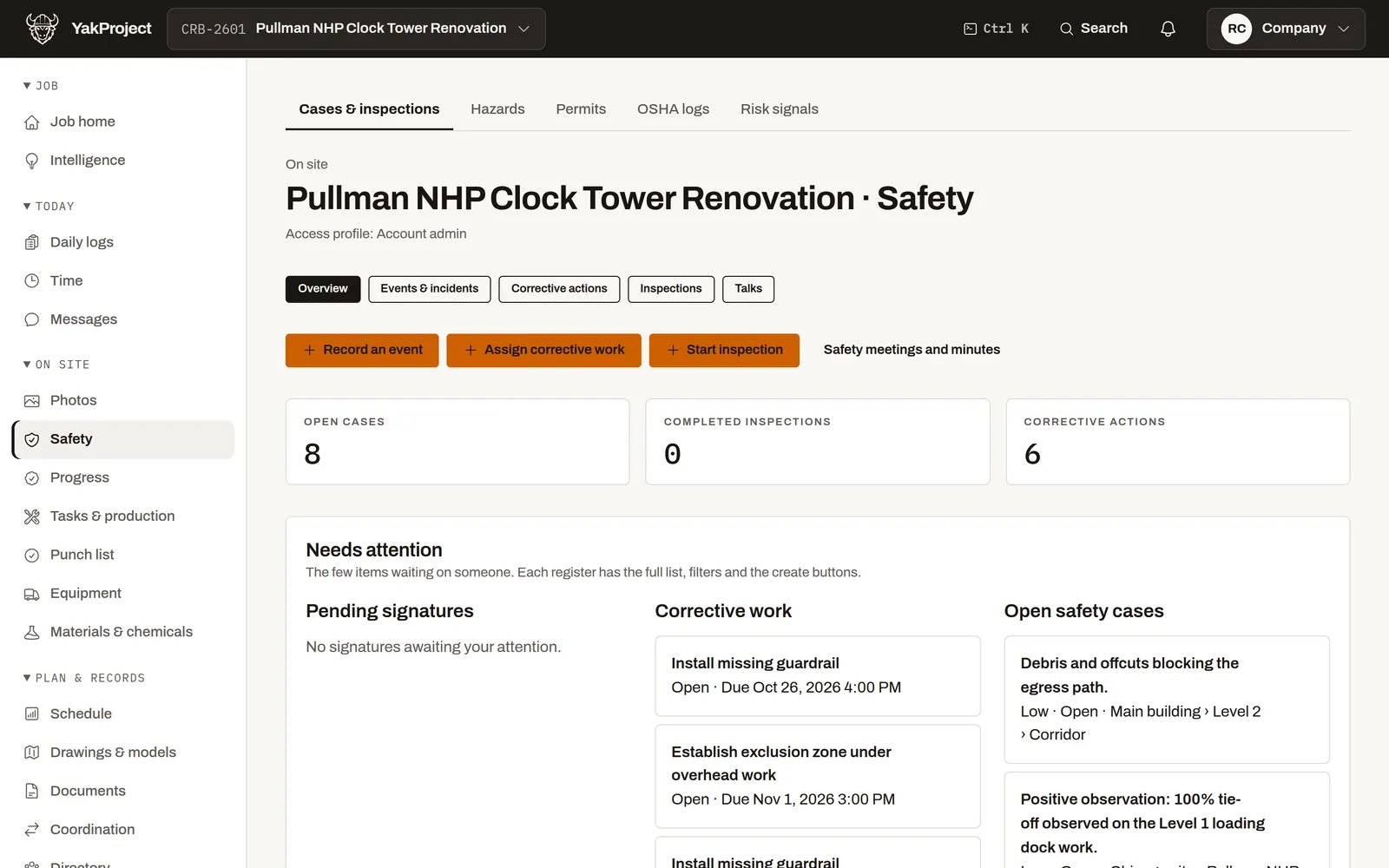
Inspections, toolbox talks, an SDS register, and hazards flagged from photos for a person to check.

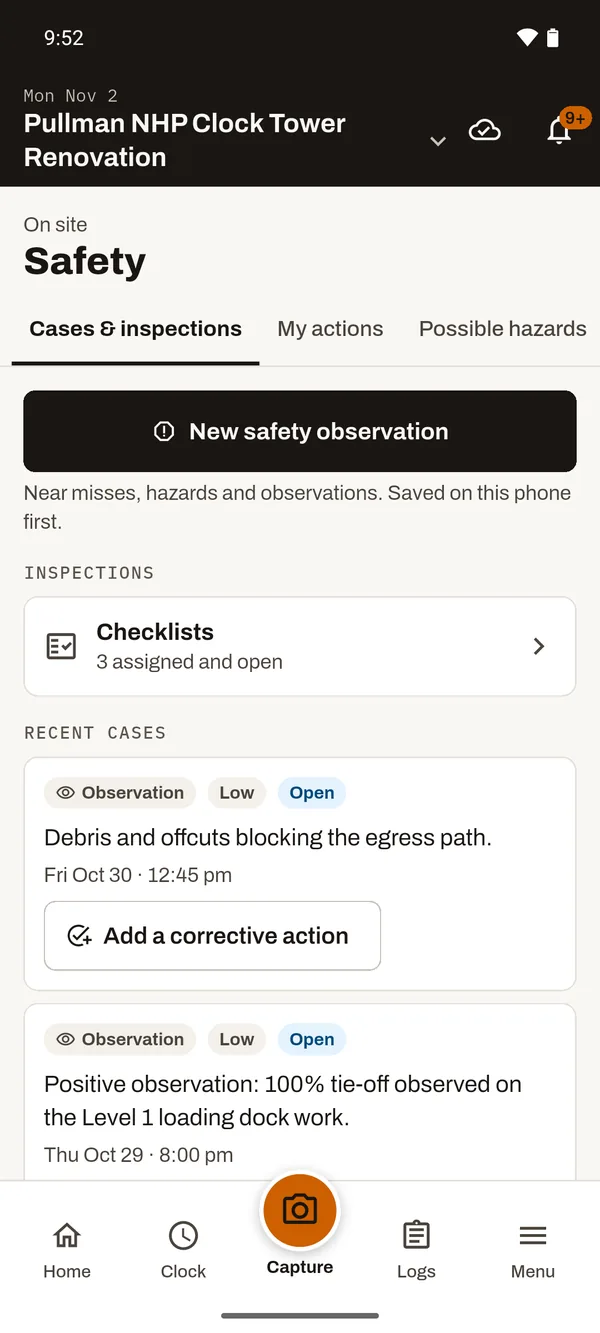
  • Record an event, assign corrective work or start an inspection in one tap.
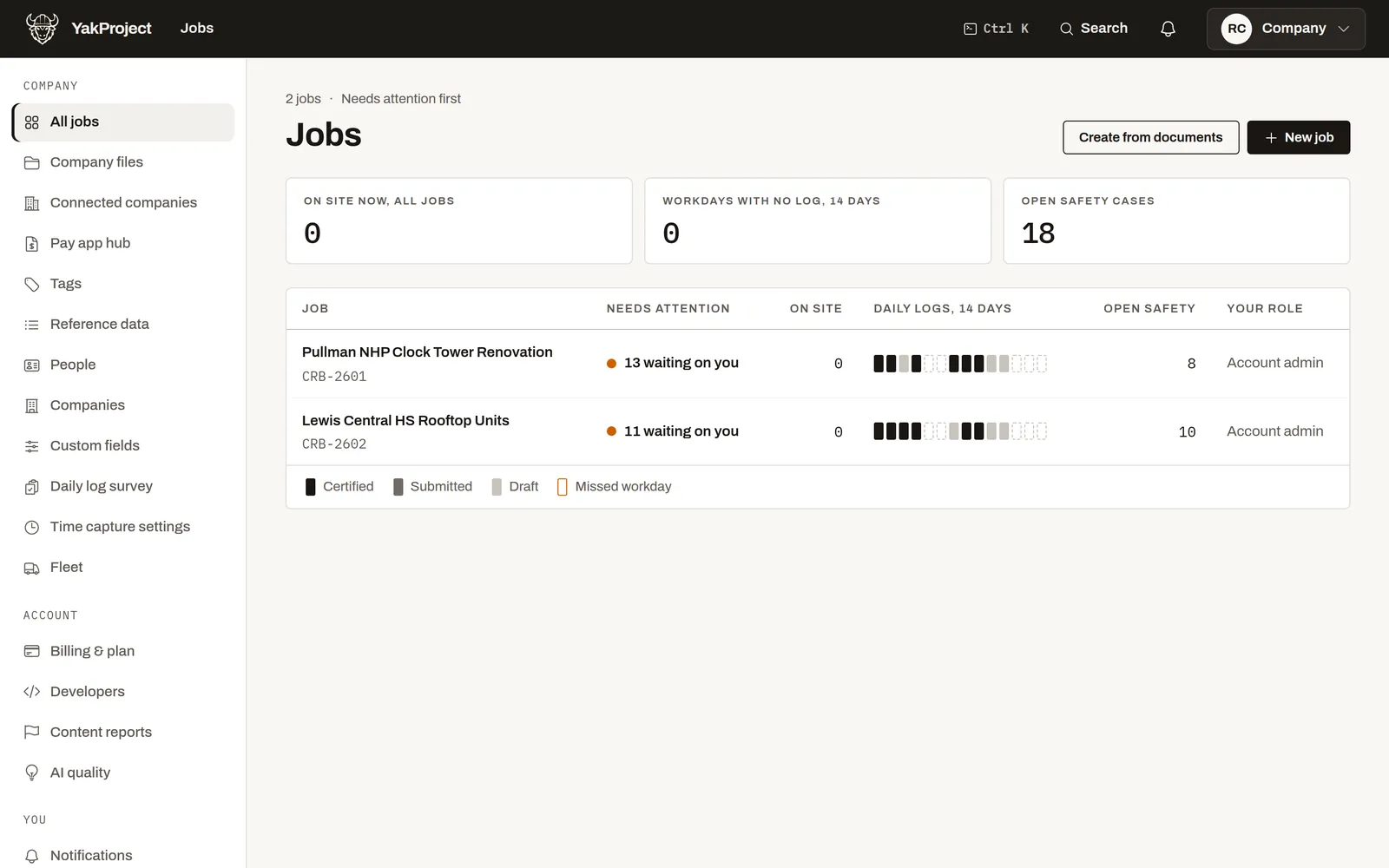
  • Open cases and overdue corrective actions surface on the job home.
  • Toolbox talks are signed on the phone, attendees included.
Safety and compliance
Job safety overview: open cases, corrective work and pending signatures Safety in the field app: new observation, checklists and recent cases

More of the job, already in the app

Pick the part you care about and see how it works.

Read the tour
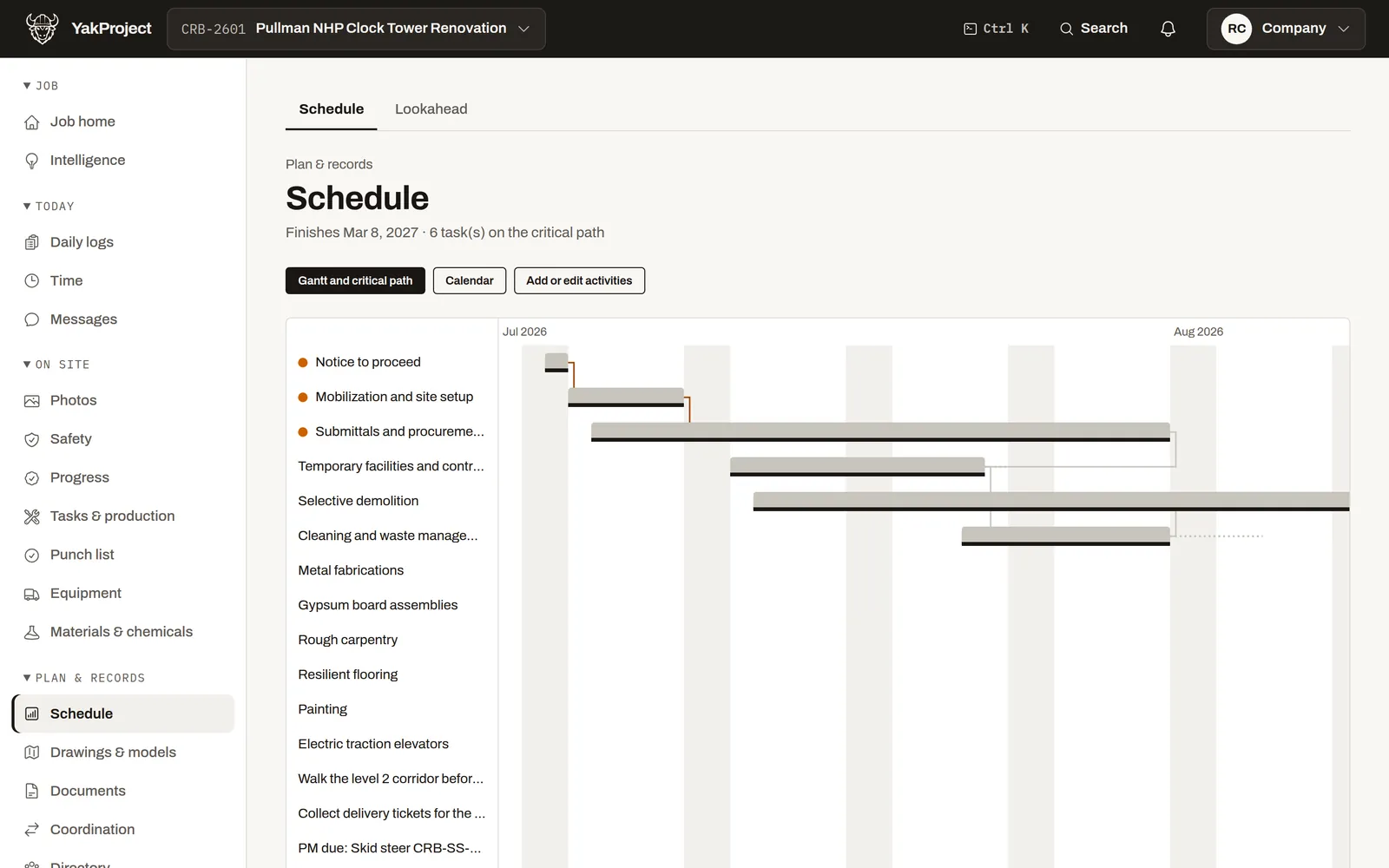
A day on one job

One capture, at the moment it happens. Everything downstream is automatic.

  1. 1 · Morning A crew clocks in on the phone and the day’s report opens itself.
  2. 2 · All day Notes, photos, quantities and receipts land against cost codes.
  3. 3 · Afternoon Hours post to the timesheet; blockers surface while they can still be fixed.
  4. 4 · Before dark The report is complete, certified and distributed — from the truck.
Learn it in a minute

Short how-to videos, with the steps written out

Every task has its own page: why you’d do it, then numbered steps with a screenshot of each one.

Browse all YakProject docs
If you’re the general contractor

Your subs send hours, daily reports and pay apps straight into your job.

No retyping from emailed PDFs. You see what each sub shared, when, and what changed since.

How it works for GCs
If you’re the subcontractor

Working on a GC’s job is free. Run your own company on any plan.

Keep your crews, time and photos in your own account. On Company, bill every GC you work for from one place.

How it works for subs

What contractors ask first

Straight answers, because you have been sold construction software before. If YakProject isn’t the right fit, the comparison pages say so.

Will my crews actually use it?

The field app opens on the crew’s day: clock in, capture, done. A quantity is a cost code, a number and a unit — three taps, saved on the phone and uploaded when the truck gets signal. It works in English and Spanish.

We already have a daily report.

So does YakProject — but it fills itself from the hours, quantities and notes already captured, keeps every revision, and will not submit while a required section is empty.

Compliance is the part that bites us.

Applicability is computed per job from a maintained US-federal catalog, recurring assignments are idempotent, and every access to a regulated record is written to an immutable log.

What happens when there is a claim?

Revisions are immutable, distribution links are durable and every open is recorded — so the record you hand a lawyer two years later is the record the crew wrote that morning.

Can I get my records out?

Every report, photo and timecard exports as PDF or CSV, any time, on every plan. Cancelling a paid plan returns you to Solo and keeps your records.

Does it replace Procore?

For many small and mid-size GCs, yes. When an owner requires Procore on a job, Company and Business coordinate with it so nobody types the job twice.

What does it cost?

Solo is free for one job. Crew $49, Company $149, Business $699 a month, or two months free when you pay yearly. Prices depend on seats and active jobs, never on contract value.

What does the AI do?

It drafts and flags: report entries from voice notes, a likely RFI or change event, a possible hazard in a photo, a cost code trending over budget. A person decides. Nothing is submitted, approved or signed by it.

Works with what you already use

The price is on the page

Compare plans

Solo

$0 one job

The whole product on one job, 3 seats.

Crew

$49 a month

5 jobs, 15 seats, 360° photos.

Company

$149 a month

25 jobs, 50 seats, bill every GC from one place, lien waivers.

Business

$699 a month

75 jobs, 150 seats, owner pay apps (G702/G703), drone maps (10 a month).

Subcontractors on your jobs, viewers and the owner’s representative never take a seat. Prices don’t rise with your contract value. Change plans or cancel any time.

Run tomorrow’s job on it.

Create a job, add one crew, and let the first daily report assemble itself. One job is free for as long as you like.

The field app for iPhone and Android is in private beta — ask us at support@yakware.com.